How to Login
Accessing the System
Open your web browser and go to the ARE18 URL provided by your IT department.
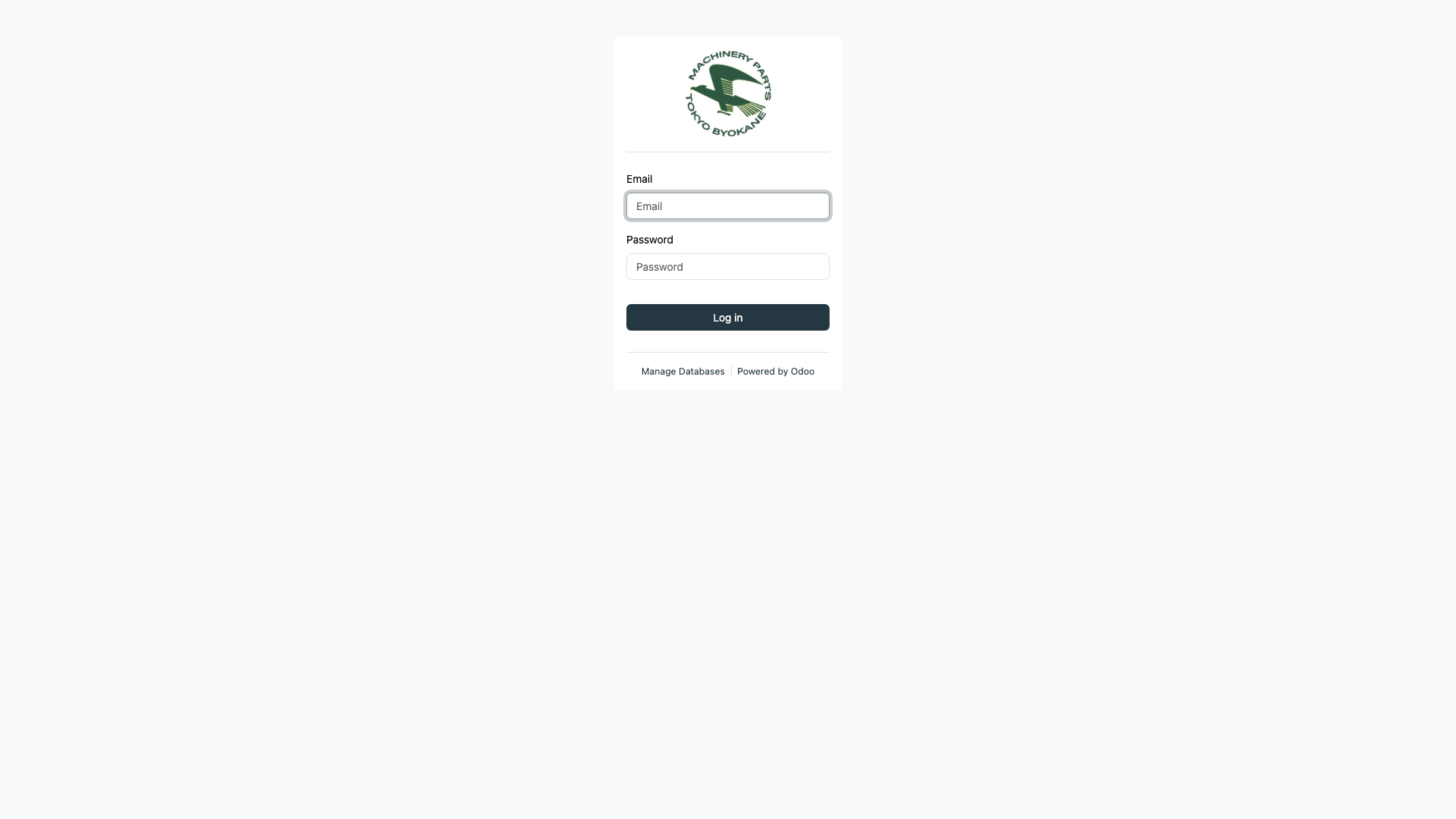
You will see the login page with the Tokyo Byokane logo:
Login Steps
- Email - Enter your company email address (e.g.,
yourname@tokyobyokane.com.ph) - Password - Enter your password
- Click the Log in button
:::tip First-Time Login If this is your first time logging in, your credentials will be provided by the Accounting Superuser or IT department. Change your password after your first login by going to Settings > My Profile. :::
After Login
After a successful login, you will be taken to the Accounting Dashboard:
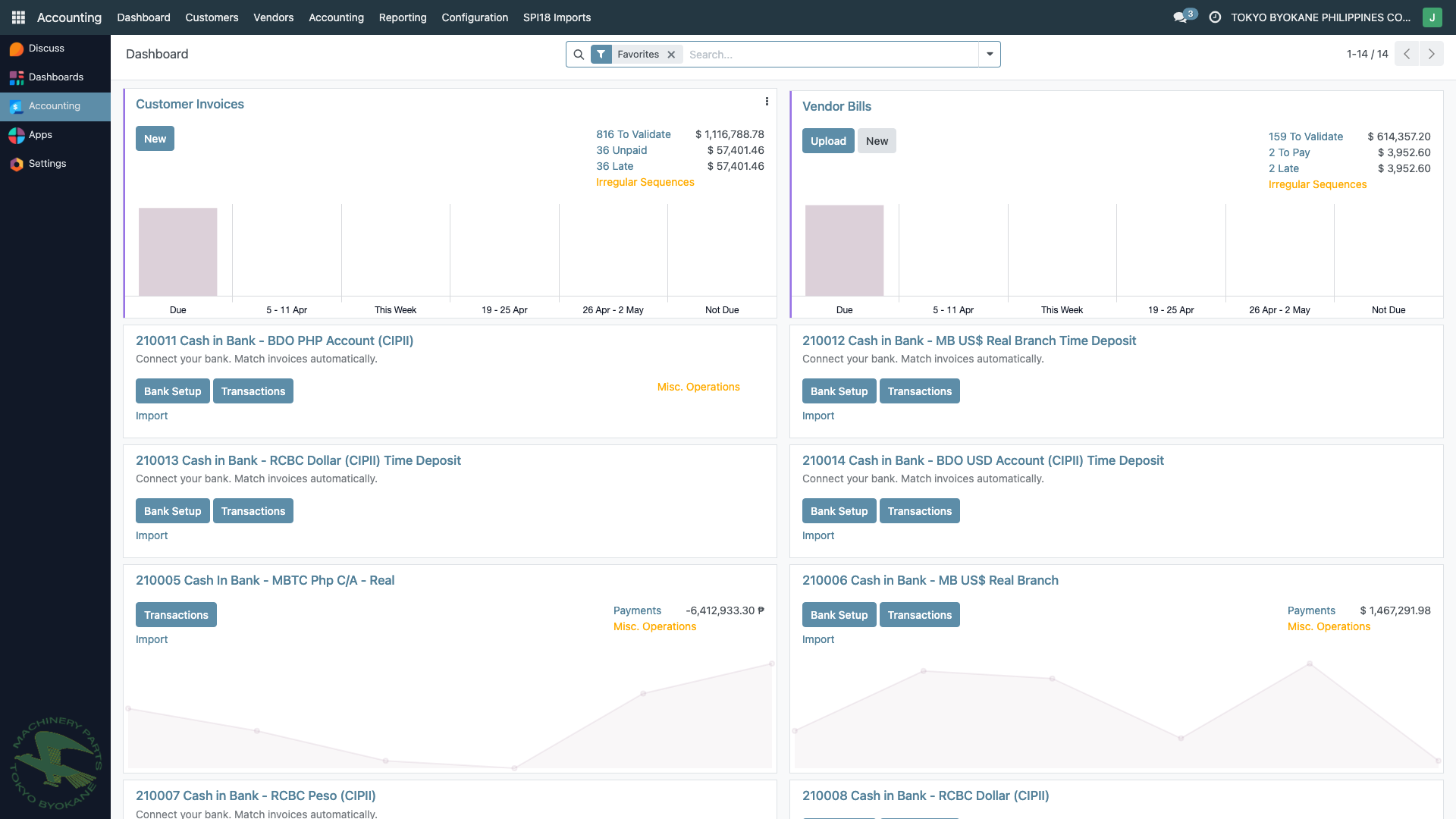
The dashboard shows:
- Customer Invoices summary with charts
- Vendor Bills summary
- Bank accounts with quick access to reconciliation
Troubleshooting
| Issue | Solution |
|---|---|
| "Wrong login/password" | Double-check your email and password. Passwords are case-sensitive. |
| Account locked | Contact the Accounting Superuser to unlock your account. |
| Page not loading | Check your internet connection or contact IT. |