Other Reports
This section covers additional reports available in ARE18 that don't fit into the standard financial statements or BIR books categories.
Statement of Account
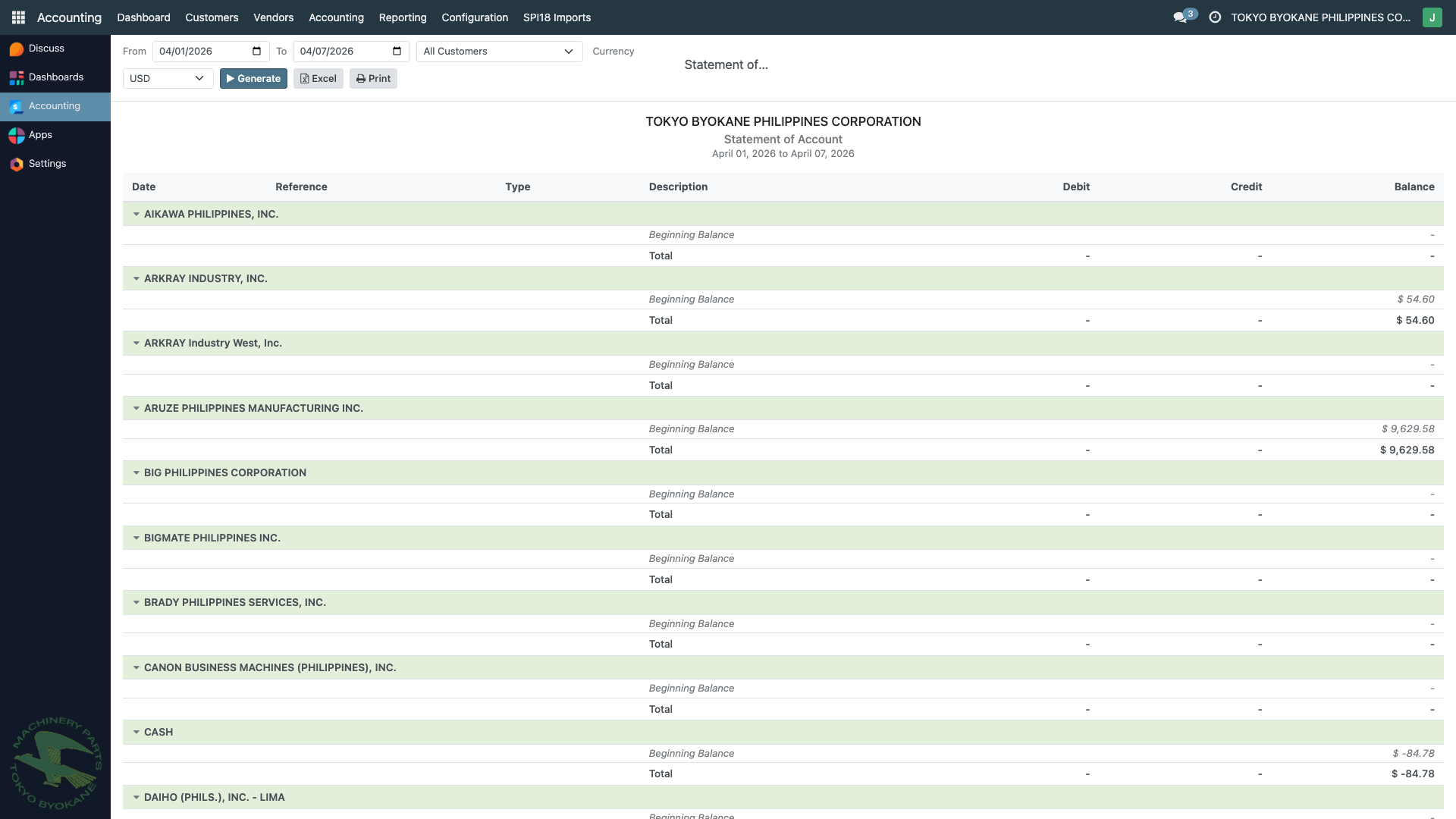
The Statement of Account feature generates customer statements showing the complete transaction history and outstanding balance for a given customer over a specified period.
Navigation: Accounting > Reporting > Statement of Account (or from a Customer record)
Features:
- Date range selection (From/To)
- Customer filter (specific customer or All Customers)
- Currency selection (USD or PHP)
- Beginning balance per customer
- Transaction details (debits and credits)
- Running balance calculation
- Ending balance
Use Cases:
- Collection follow-up with customers
- Customer account verification
- Month-end statements for customers
- Dispute resolution with transaction history
- Audit confirmation support
:::tip Sending to Customers The Statement of Account can be exported and emailed directly to customers as part of collection and account management efforts. :::
Importation Summary
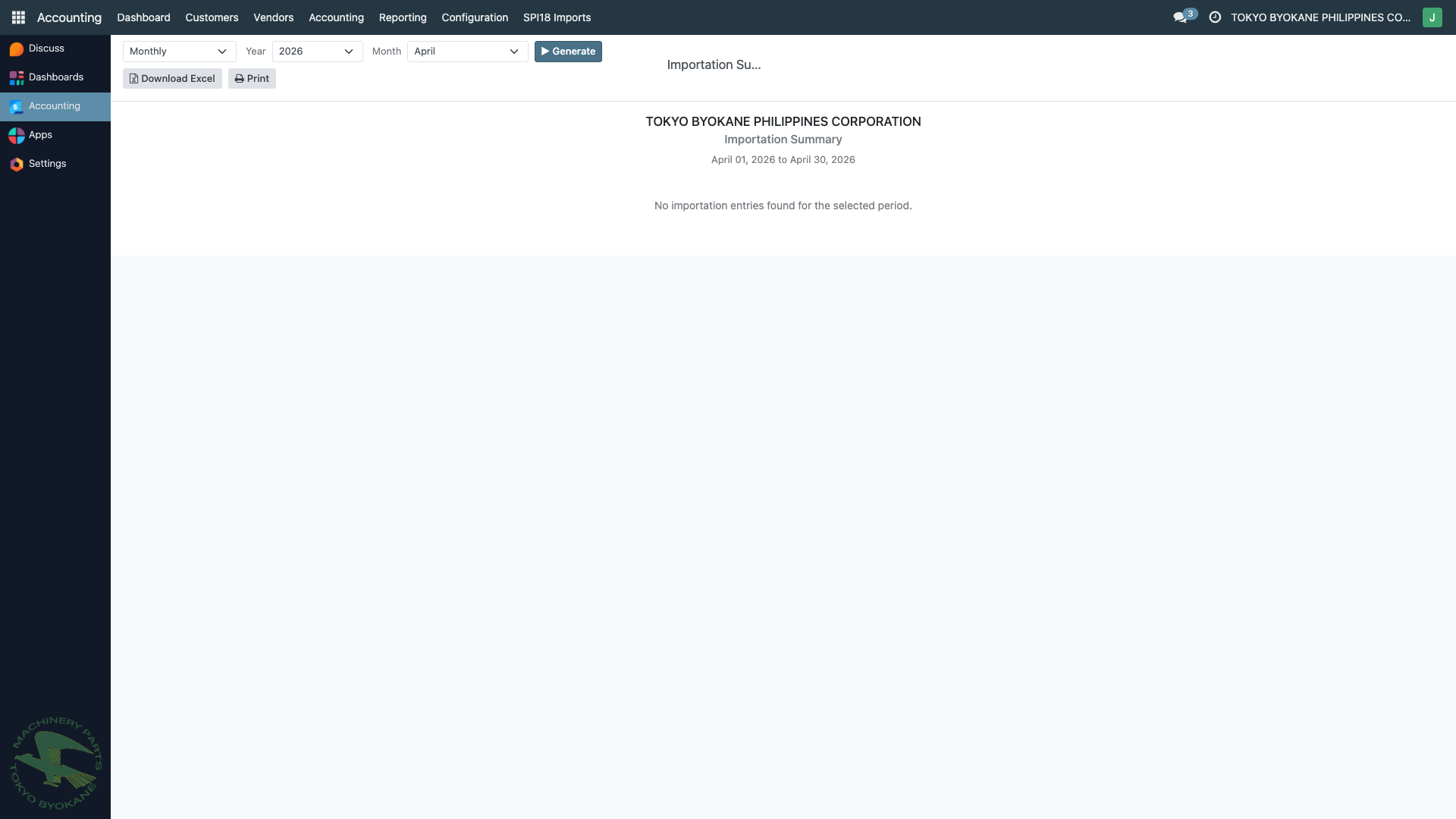
The Importation Summary report provides a consolidated view of all importation transactions. This is particularly useful for companies like TBPC that import raw materials and equipment from abroad.
Navigation: Accounting > Reporting > Interactive Accounting Reports
Report Contents:
- Import transaction dates
- Vendor details
- Import duties paid
- VAT on importation
- Landed cost components
- Reference documentation
Use Cases:
- Track import duties and VAT
- Landed cost analysis
- Customs reconciliation
- Cost accounting for imported items
- BIR VAT on importation support
Chart of Accounts Hierarchy
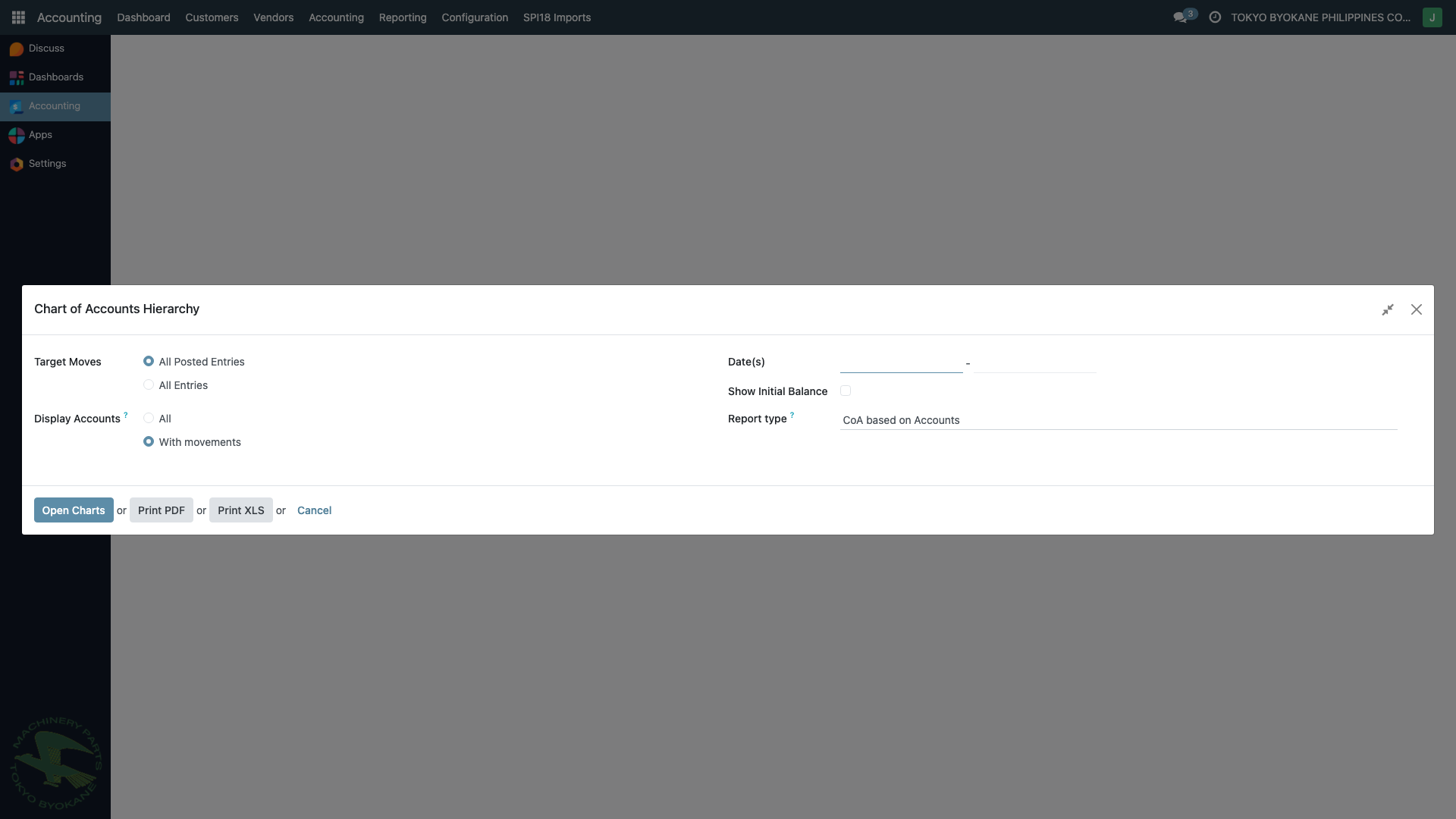
The Chart of Accounts Hierarchy report provides a hierarchical view of the Chart of Accounts with parent-child grouping. This is useful for generating consolidated financial statements and understanding account relationships.
Navigation: Accounting > Reporting > Chart of Accounts Hierarchy
Features:
- Target Moves filter (All Posted Entries / All Entries)
- Date range filter
- Display options (All accounts / With movements only)
- Report type selection (CoA based on Accounts)
- Export options:
- Open Charts (interactive browser view)
- Print PDF
- Print XLS (Excel)
Use Cases:
- Understand account parent-child relationships
- Consolidated financial reporting
- Account structure review
- Chart of accounts audit
- Management reporting with grouped accounts
Quick Access Table
| Report | Best For | Frequency |
|---|---|---|
| Statement of Account | Customer follow-up, account inquiry | As needed |
| Importation Summary | Import cost tracking, customs reconciliation | Monthly |
| Chart of Accounts Hierarchy | Account structure review | As needed |
:::info Additional Reports For financial statements (Balance Sheet, P&L, etc.), see Financial Statements. For BIR books (GL, GJ, Sales Book, etc.), see BIR Books. For tax compliance reports (VAT, SLSP, etc.), see BIR Tax Reports. :::